
Claude AI in 2026 — What's New and What Actually Changed

A plain-language breakdown of the Claude 4 model family, Projects, Computer Use, and Artifacts — what each one means for everyday users, not just developers.
Relevant if you…
- ✓ You use Claude and want to know what has actually changed in 2026
- ✓ You are deciding whether the free tier is enough or if Pro is worth it
- ✓ You want a plain-language breakdown without reading technical documentation
Skip if you…
- ✗ You are looking for API documentation or developer guides
- ✗ You need a comparison between Claude and other AI tools
- ✗ You have already read Anthropic's official release notes
Claude has changed significantly in 2026. The model quality has improved, new features have shipped, and some capabilities that were API-only are now available to regular users. This article explains what actually changed and what it means in practical terms.
TL;DR: Claude is significantly more capable in 2026. The free tier now includes model quality that required a paid plan 18 months ago. Projects and Artifacts make it more useful for repeated workflows. Computer Use is real but still developer-only.
Claude 4 model family — Haiku, Sonnet, and Opus

Anthropic released the Claude 4 family in 2026, with three models covering different speed and cost tiers. Claude Haiku 4.5 is the fastest and cheapest — designed for high-volume tasks like chatbots, classifiers, and API integrations. Claude Sonnet 4.6 is the balance model — best writing quality at reasonable cost. Claude Opus 4.7 is the flagship — the most capable AI assistant available for complex reasoning, research, and long-form work.
What changed: Significantly better instruction-following, longer context windows across all models (up to 200K tokens), and major improvements in avoiding hallucination on factual topics.
Who it affects: Everyone using Claude. The free tier now defaults to Sonnet, which was the premium tier just 18 months ago.
Key detail: Claude Sonnet 4.6 is available free on Claude.ai. It outperforms last year’s Opus model on most benchmarks — a model that cost $15 per million tokens just 18 months ago.
Projects — persistent memory and custom instructions

Claude Projects let you create separate workspaces with their own system prompts, uploaded documents, and conversation history that persists across sessions. If you work with the same client documents repeatedly, or want Claude to always follow specific writing style rules, Projects eliminates the need to re-explain context every time you start a conversation.
What changed: Previously, every conversation with Claude started from zero — no memory of past interactions. Projects give Claude a persistent, scoped memory for specific tasks and clients.
Who it affects: Freelancers, consultants, and power users who use Claude repeatedly for the same type of work.
Key detail: Projects are available on Claude Pro and Claude Team plans. You can upload up to 200MB of documents per project, and the instructions stay active across every conversation in that project.
Claude can use a computer — literally
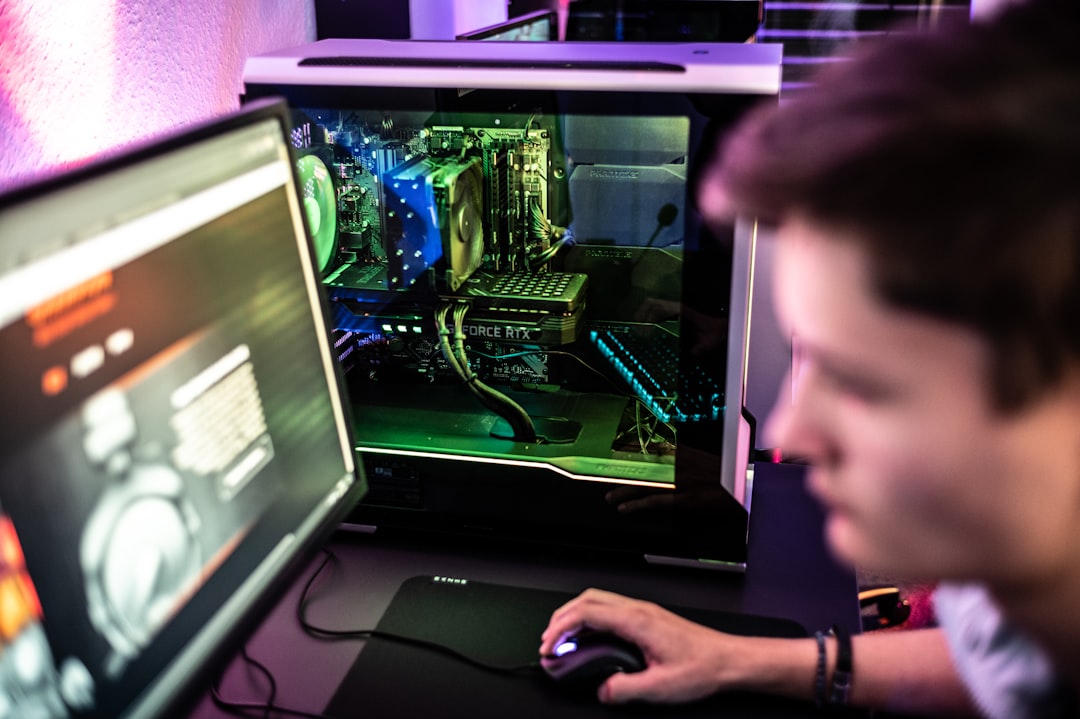
Computer Use is Anthropic’s API feature that lets Claude control a computer interface: click buttons, type text, work through websites, read screens, and execute multi-step workflows. In 2026, this has evolved from a research demo into a practical automation capability. Claude can now complete tasks like filling out web forms, extracting data from websites, and operating software — not just describing how to do it.
What changed: Computer Use launched in preview in late 2024 and has received significant accuracy improvements throughout 2025–2026. Error rates on web-based tasks have dropped by approximately 60% compared to the initial release.
Who it affects: Developers building AI agents and automation tools. Not yet in the consumer Claude.ai interface — API access required.
Key detail: Computer Use is available through the Anthropic API. Consumer access through Claude.ai is expected later in 2026.
Artifacts — interactive output you can use directly
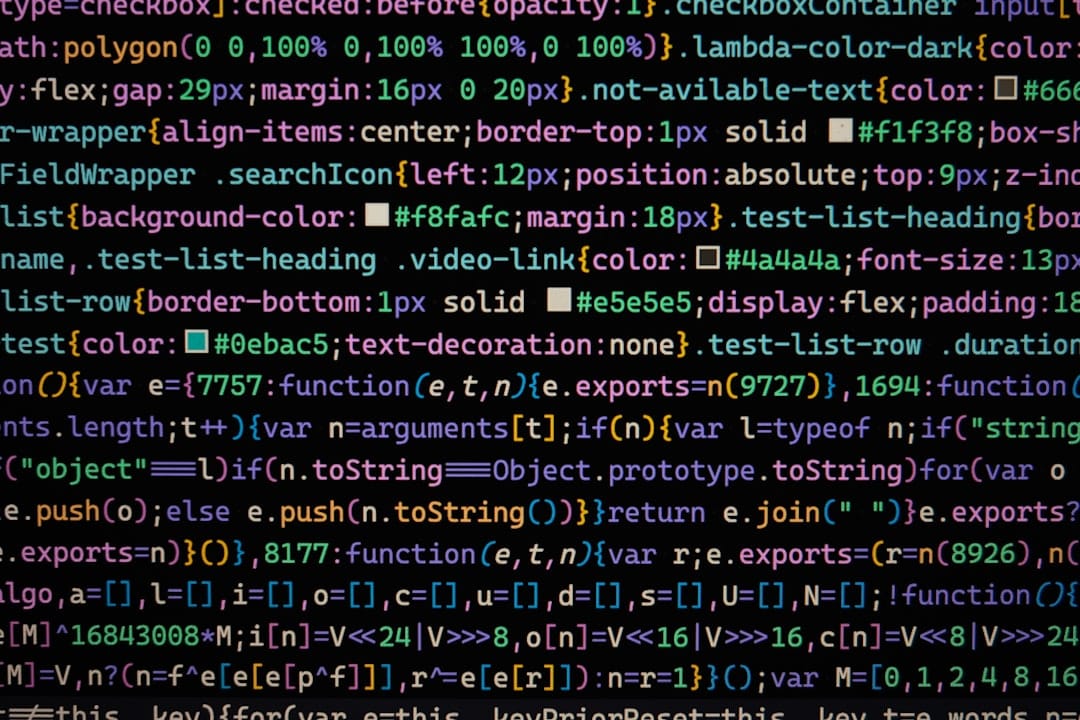
Artifacts are a Claude.ai interface feature that displays certain types of output — code, data tables, HTML, SVG diagrams — in a separate interactive panel instead of plain text in the chat. A code artifact can be run directly in the browser. An HTML page renders live. A data table is sortable. The gap between “Claude shows me output” and “Claude gives me something I can use” has shrunk significantly.
What changed: Previously, you would ask Claude to write code, then manually copy it to a code editor to test. Artifacts allow instant preview and interaction without leaving the chat.
Who it affects: Anyone using Claude for code, data work, or building simple web tools.
Key detail: Artifacts are available on the free tier of Claude.ai. HTML artifacts run in a sandboxed browser environment, so you can preview websites, interactive charts, and mini-apps without any setup.
Should you upgrade to Claude Pro?

The free Claude.ai plan is more capable than it has ever been. For casual use — answering questions, drafting emails, summarizing documents — the free tier is genuinely sufficient.
Claude Pro ($20/month) is worth it if: You use Claude for several hours of work per week. You want to use Projects for persistent instructions and documents. You need higher usage limits. You want priority access during peak times.
Stick with free if: You use Claude occasionally. Your needs are covered by the free daily limit. You are still evaluating whether Claude fits your workflow.
The most important shift in 2026 is not the Pro features — it is that the free tier is now genuinely capable. If you have not tried Claude recently, the current version is significantly better than what it was a year ago. For a head-to-head comparison of how Claude stacks up against ChatGPT and Gemini on everyday tasks, see our ChatGPT vs Claude vs Gemini guide.
Frequently Asked Questions
Q: Is Claude 4 free to use?
Yes. Claude Sonnet 4.6 is available on the free tier of Claude.ai with a generous daily usage limit. For most casual users — writing help, document summaries, answering questions — the free plan is enough. Claude Pro at $20 per month adds higher limits, Projects with persistent memory, and priority access during busy periods.
Q: What is the difference between Claude Haiku, Sonnet, and Opus?
The three models represent different points on the speed-vs-capability spectrum. Haiku is the fastest and most economical — best for simple, high-volume tasks. Sonnet is the balance model with strong writing quality at a reasonable speed — the default on the free tier. Opus is the flagship model for complex reasoning, long documents, and research tasks where output quality matters more than speed.
Q: What are Artifacts in Claude?
Artifacts are a Claude.ai feature that displays certain outputs — code, HTML pages, data tables, SVG graphics — in a live interactive panel next to the chat instead of plain text. A code artifact can run directly in the browser. An HTML page renders live. This means you can preview and interact with what Claude builds without copying it elsewhere. Artifacts are available on the free tier.
If you want to get more out of Claude specifically, our guide to writing AI prompts that actually work covers the six principles that produce better results in any AI tool — including Claude.
Keep reading
All three tested on the same tasks. Honest breakdown of when Claude wins and when the others are better.
Read next6 principles for better prompts — works on Claude, ChatGPT, and Gemini. Practical from the first read.