
Claude Review 2026 — Best AI for Long-Form Writing
Claude review 2026: is it better than ChatGPT for writing? Free vs Pro plan, what Claude 3.5 Sonnet does well, and honest verdict after real use.

Who is this for?
For writers, researchers, and knowledge workers deciding between Claude and other AI assistants. Skip this if you are not yet familiar with what AI assistants can do — start with our beginner's guide to ChatGPT instead.
Claude consistently wins on writing quality — here is why

Claude is made by Anthropic, a safety-focused AI company founded in 2021 by former OpenAI researchers. While ChatGPT is better known, Claude has become the first-choice tool for writers and researchers who care about output quality.
This review covers Claude’s real-world performance, what the free tier gets you, and whether Claude Pro ($20/month) is worth it.
What Makes Claude Different
Most AI assistants produce similar outputs for simple tasks. The difference shows up when you:
- Give a long, complex brief with many constraints
- Ask for long-form content (1,500+ words)
- Need a specific tone or voice maintained consistently
Claude follows detailed instructions more reliably than GPT-4o. If you tell it to “write in a conversational tone for a 40-year-old marketing manager who is not technical,” it maintains that voice throughout — not just in the first paragraph.
The other standout: Claude handles long documents. The free tier supports a 200,000-token context window, meaning you can paste an entire 200-page document and ask questions about specific sections. GPT-4o’s free tier is more limited on context length.
Who Should Use Claude?

- ✅ Write articles, reports, or long-form content regularly
- ✅ Need to process long documents (contracts, research papers, lengthy briefs)
- ✅ Want writing that sounds natural and not like it came from an AI
- ❌ Need image generation (Claude does not generate images)
- ❌ Need real-time web search — Claude does not browse the web by default
What Claude Can Do in 2026

Long-form writing
Claude’s headline capability is writing quality. Articles, essays, and reports produced by Claude need less editing than those from most other AI tools. The sentences flow naturally, the structure is logical, and it does not pad content with filler phrases the way some tools do.
For writers producing content regularly, Claude is the tool most commonly recommended by professionals who use AI as a drafting assistant.
Document analysis
Paste a contract, a research paper, a competitor’s website, or any large block of text — Claude reads it and answers questions about the content. For anyone who regularly reviews long documents, this alone justifies the free tier.
Following complex instructions
This is the clearest advantage over GPT-4o. Give Claude a detailed content brief — audience, tone, word count, key points to include, points to avoid — and it follows the brief more precisely. Useful for content teams where output needs to match specific brand guidelines.
Coding and analysis
Claude handles code well, particularly for explaining and debugging. It is not as widely tested for coding tasks as GitHub Copilot or Cursor, but for occasional code questions it performs at a comparable level to ChatGPT.
Projects (memory across conversations)
Claude’s Projects feature lets you create a workspace where Claude remembers context, documents, and instructions across multiple conversations. For ongoing work like a content series or a research project, this is significantly more useful than starting fresh each session.
Claude Pricing in 2026

| Plan | Price | What you get |
|---|---|---|
| Free | $0 | Claude 3.5 Sonnet, generous daily limits, Projects |
| Pro | $20/month | 5x more usage, priority access, all models |
| Team | $25/user/month | Pro everything + collaboration features |
| Enterprise | Custom | Custom data retention, API access, SSO |
The free tier is generous. Most writers and researchers use the free plan without hitting limits regularly. The main reasons to upgrade to Pro: you use Claude heavily every day, you want access to the full model range without usage caps, or you are a team of two or more who need to share context.
Pros and Cons
- ✓ Best writing quality of any AI assistant in our testing
- ✓ 200,000-token context window handles entire books and long documents
- ✓ Follows complex, multi-constraint instructions more reliably than competitors
- ✓ Free tier is genuinely useful with high daily limits
- ✓ Projects feature maintains context across multiple sessions
- ✓ Output requires less editing — more natural-sounding by default
- ✗ No image generation — text-only tool
- ✗ No default web browsing (can search with tools on some plans)
- ✗ Less well-known than ChatGPT means fewer tutorials and community prompts
- ✗ Voice mode not available
- ✗ Can be overly cautious on certain topics compared to ChatGPT
Claude vs ChatGPT: The Key Difference
Both tools do the same basic things. The meaningful difference:
Choose Claude if: writing quality matters more than breadth. If you are producing content people will read, Claude’s output needs less editing and sounds more human.
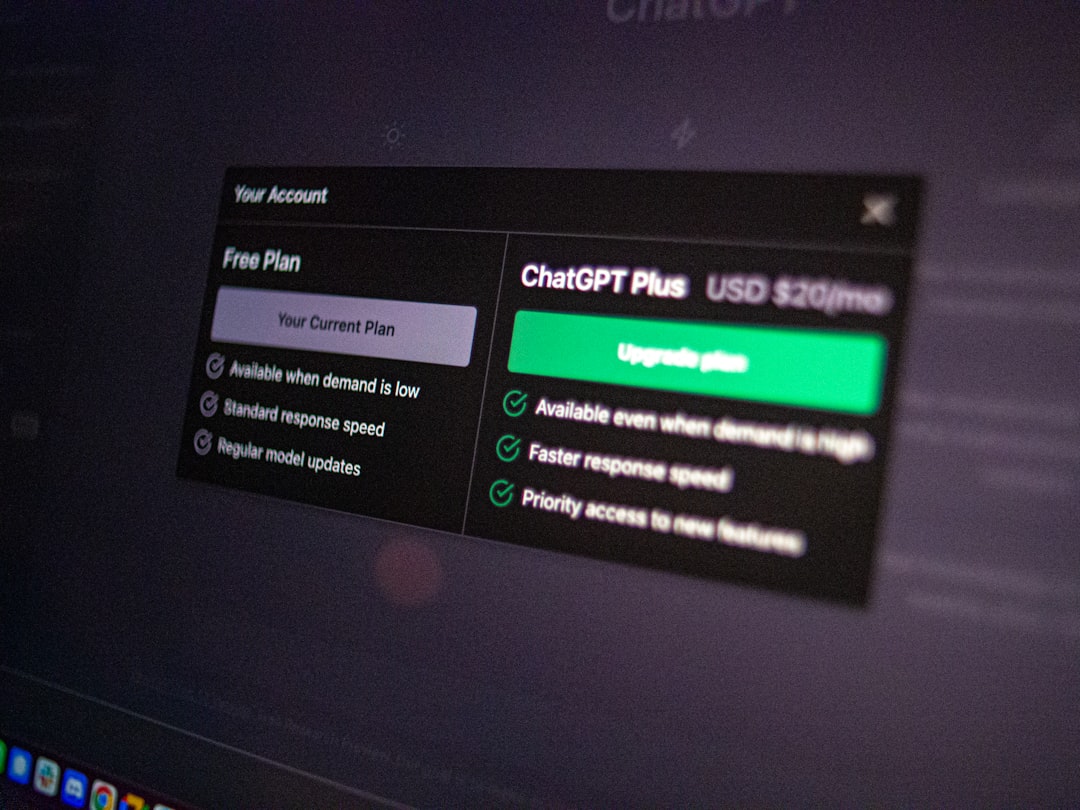
Choose ChatGPT if: you want one tool that handles writing, image generation, voice, and code across the most platforms. ChatGPT’s ecosystem is larger.
Many users use both: Claude for long-form drafting, ChatGPT for quick tasks and image generation.
For a full head-to-head on identical prompts, see our ChatGPT vs Claude vs Gemini comparison.
Our Verdict

Claude earns its 4.8 rating from genuinely excellent writing quality and the best instruction-following of any AI assistant we have tested. For writers and researchers who need long-form, high-quality output, it is the clear recommendation.
The missing image generation and limited web browsing are real constraints. If those features are important to your workflow, Claude needs to sit alongside ChatGPT rather than replace it.
Start with the free tier — the daily limits are high enough that you can test it properly on a week’s worth of real tasks before deciding whether to upgrade.
Try Claude free → — free tier available, no credit card required.
You might also like

Best AI Writing Tools in 2026 — Full Ranking
Frequently Asked Questions
Q: Is Claude free to use? A: Yes. The free tier at claude.ai gives access to Claude 3.5 Sonnet with generous daily usage limits. No credit card required. Claude Pro ($20/month) provides higher usage limits and priority access.
Q: Is Claude better than ChatGPT for writing? A: For long-form writing specifically, yes. Claude follows detailed instructions more precisely and produces more natural-sounding output that requires less editing. For general tasks, images, and voice, ChatGPT’s Plus plan offers more features.
Q: What is Claude’s context window? A: Claude 3.5 Sonnet supports up to 200,000 tokens — roughly 150,000 words or a 600-page book. This is significantly larger than what most users will need for everyday tasks.
Q: Does Claude remember previous conversations? A: Claude’s Projects feature stores context, documents, and custom instructions across multiple conversations within a project. Outside of Projects, each new conversation starts fresh unless you are on a paid plan with memory features.
Q: Who makes Claude? A: Claude is made by Anthropic, an AI safety company based in San Francisco. Anthropic was founded in 2021 by Dario Amodei, Daniela Amodei, and other former OpenAI researchers.